Member App
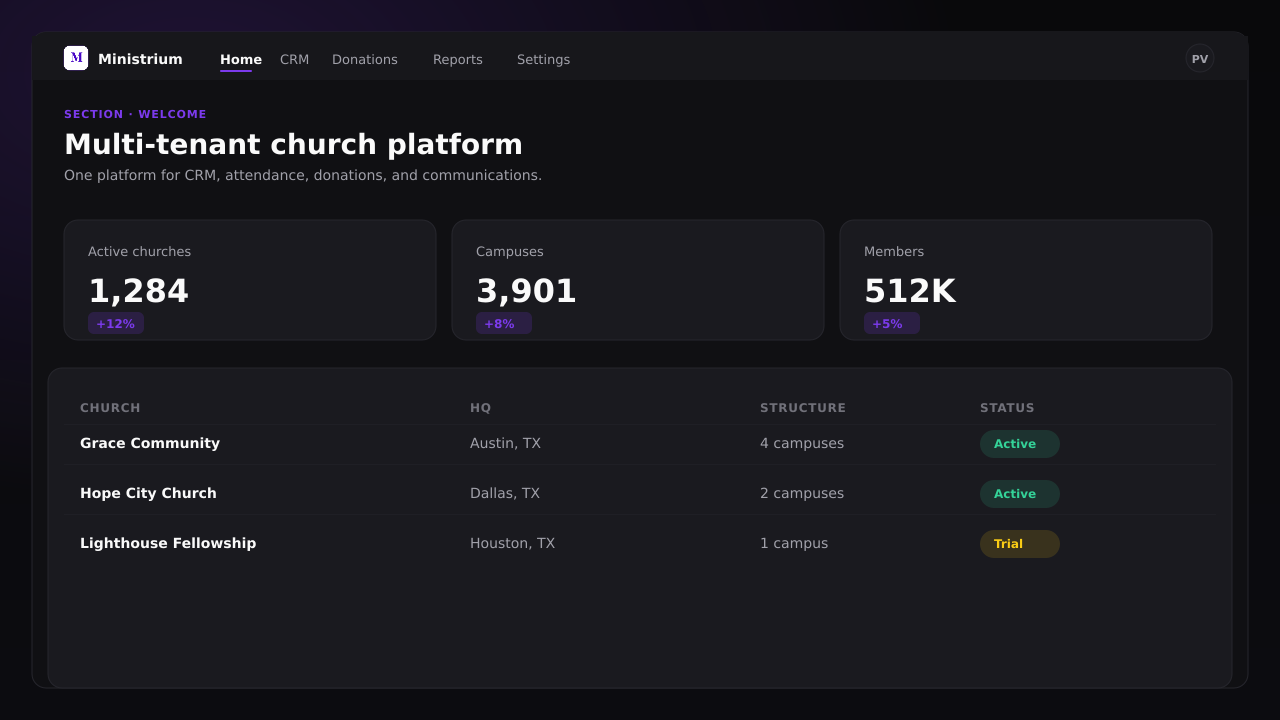
The Member App lives at app.ministrium.com/app. It is a web app: it runs in your phone’s browser and can be installed on the home screen (PWA).
From it you can:
- see your church’s activity and confirm attendance at events;
- give from Give (
/app/donations), if your church has online donations turned on; - check your assignments;
- record your attendance with the Your Access Pass QR code.
If you also have leadership responsibilities, the app shows you the tools that apply to you.
Member accounts are created or invited by the church. Members cannot sign up on their own.
This guide covers the web app, in the browser or installed as a PWA.
Guides in this section
Activate your account from the invitation and install the app on Android, iPhone, or iPad.
Install the appRoutes and purpose of each screen, with Home and Profile in detail.
Available screensThe bottom bar, when Panel appears, and how to come back from the panel with Member View.
NavigationMy Group: attendance, Weekly Report, lessons, and your cell’s members.
Leader cockpitGive and event attendance.
Give and join eventsYour Access Pass and phone check-in for groups and services.
QR and check-in