CRM
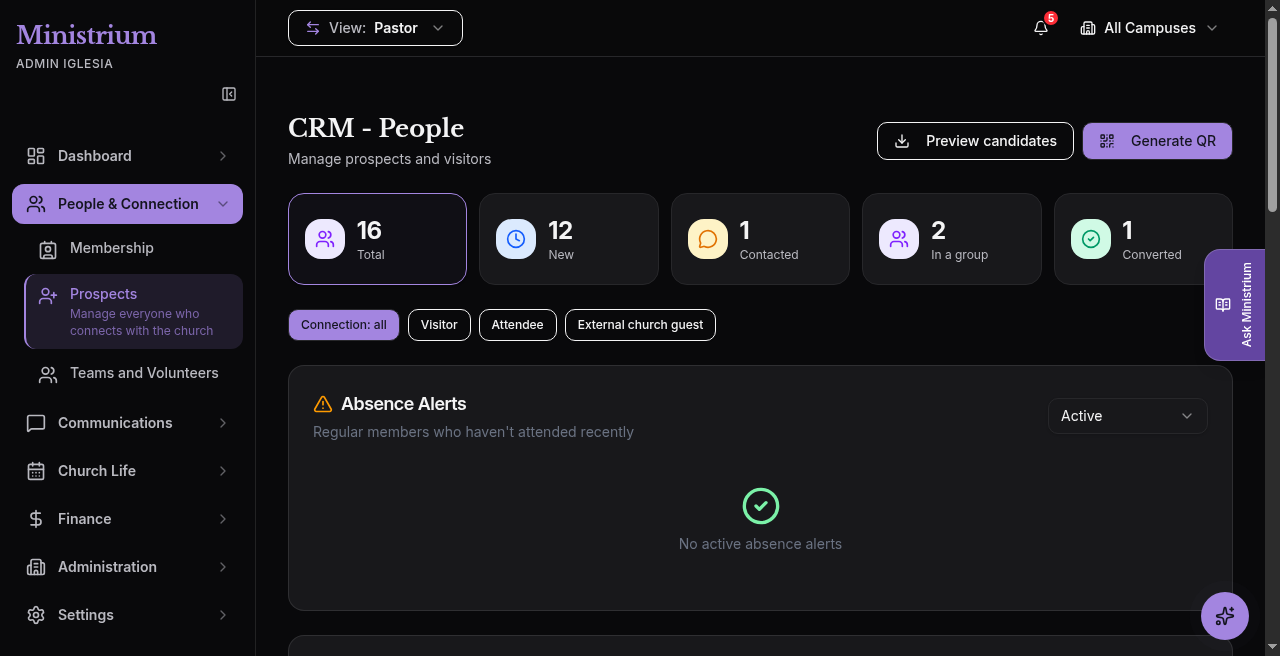
Ministrium separates people management into two connected workspaces under People & Connection:
- Membership — at
/admin-church/members: view, search, filter, import, and invite people who already belong to the church. - CRM - Prospects — at
/admin-church/crm: receive Guests, organize follow-up, and convert them into members.
Who can view and edit CRM
Prospects require the crm permission and the plan feature CRM. Without both, the API returns 403 (and the UI hides the module).
| Role (default) | Membership (members) | Prospects (crm) |
|---|---|---|
| Pastor / Associate Pastor | Read and write | Read, write, and admin (delete needs crm:admin) |
| Campus Admin | Read and write | Read and write |
| Leader (with CRM on plan) | Per assignment | Read and write |
| Accountant | Read and write | No crm (intentional) |
| Secretary | Read and write | No crm (intentional) |
Deleting a prospect requires crm:admin.
Recommended flow
- Manage members or import your current database.
- Invite members to activate their account and install the PWA.
- Publish the Connect Card (QR or Website code tab) to capture Guests.
- Work the prospects pipeline with the Total, New, Contacted, In a group, and Converted cards.
See also prospect versus member and member data.
Last updated on