Workflows
Open Communications → Automations or go to /admin-church/workflows to create when X happens, do Y flows.
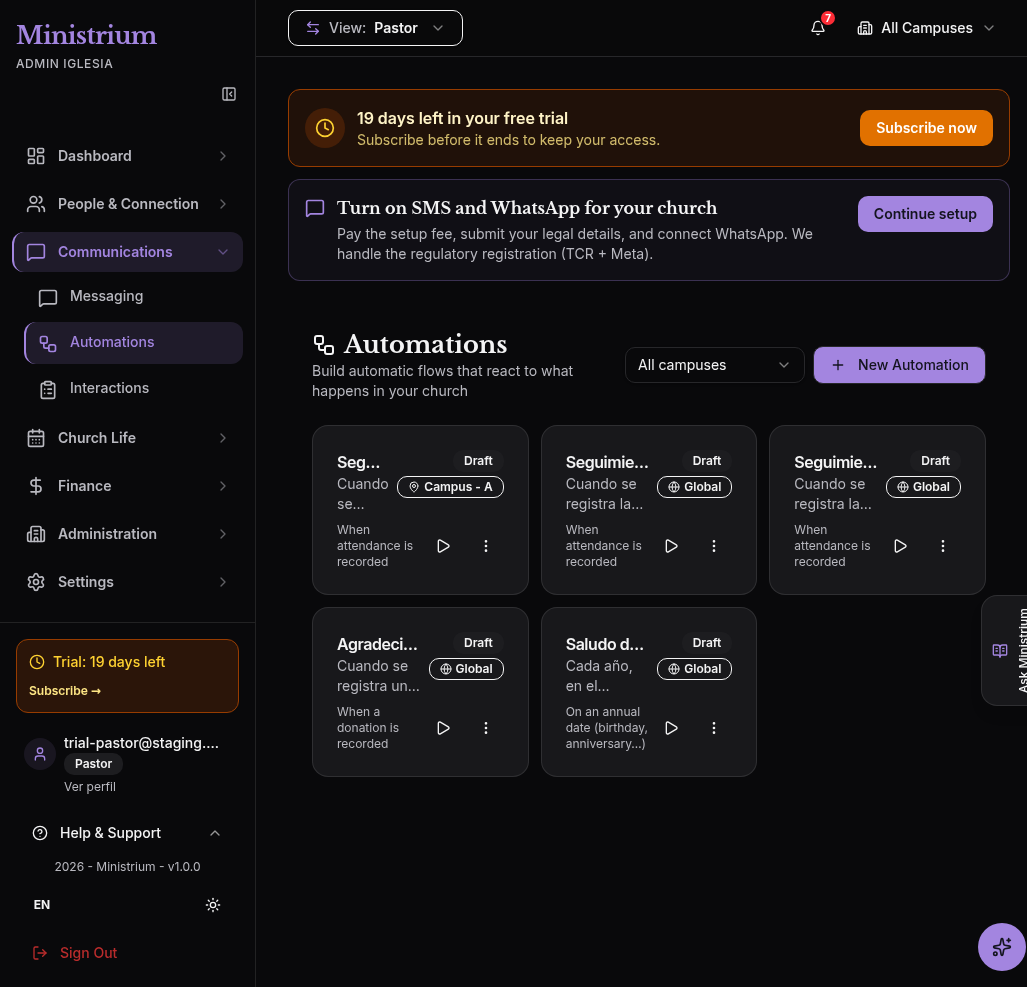
The real UI shows draft automations and may include the orange trial banner and the SMS and WhatsApp onboarding bar.
Each card shows an automation’s name, status, and scope. Local or a campus name limits the flow to that campus; Global covers all campuses. Open a card to review its trigger, conditions, and steps in the Builder.
Examples:
- Attendance recorded → create a follow-up task.
- Donation recorded → send a thank-you message.
- Annual date → prepare a birthday greeting.
Define the trigger, conditions, and steps. Save the draft, test it, and activate it only when the result is correct.
To configure pastoral follow-up after a visitor’s first attendance, follow Visitor follow-up automation.
Last updated on