Getting Started
Create your church, configure the first campus, and invite your team.
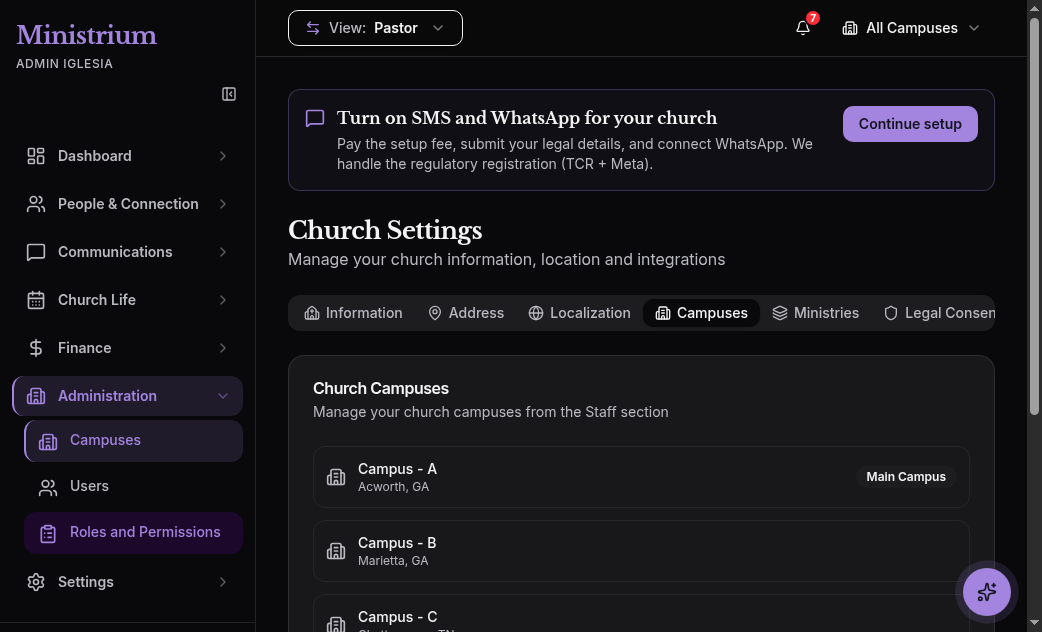
From zero to a fully operating church
In this section you will find the guides needed to get your Ministrium instance running: registration, first campus, invited team, and active electronic donations. Before assigning access, review Ministrium’s five universes. The short path is the 5-minute Quick Start; use the initial setup checklist to coordinate the first week and first month.
Recommended path
The complete walkthrough in five steps: account, campus, team, Stripe, and first donation.
5-minute Quick StartLegal data, primary language, time zone, and 14-day free trial.
Create your churchName, address, kiosk PIN, and primary campus option.
Configure your first campusHow to send invitations, assign one of the 12 roles, and limit the appropriate scope.
Invite the team and assign rolesOfficial CSV template, dry-run validation, and error recovery.
Import membersWhat every section of the side menu does on your first login.
Admin panel tourFirst-week tasks, first-month priorities, and operational best practices.
Initial setup checklistBefore you start
- 14-day free trial. No credit card required to register. You’ll have full access to every module.
- Have these handy. Legal name of the church, city, time zone, and primary language.
- For electronic donations (optional). Stripe Connect data: legal name, EIN or tax ID, bank account. You can skip this at first and connect later.
If you’ll be importing an existing member base, download the official CSV template before the Quick Start. That way you do the cleanup once instead of twice.
Next steps
- 5-minute Quick Start — the shortest path to get going.
- Initial setup checklist — the first-month adoption plan.
- Roles and permissions — the full detail of the 12 functional roles.
- Multi-Campus — what changes when you add a second campus.